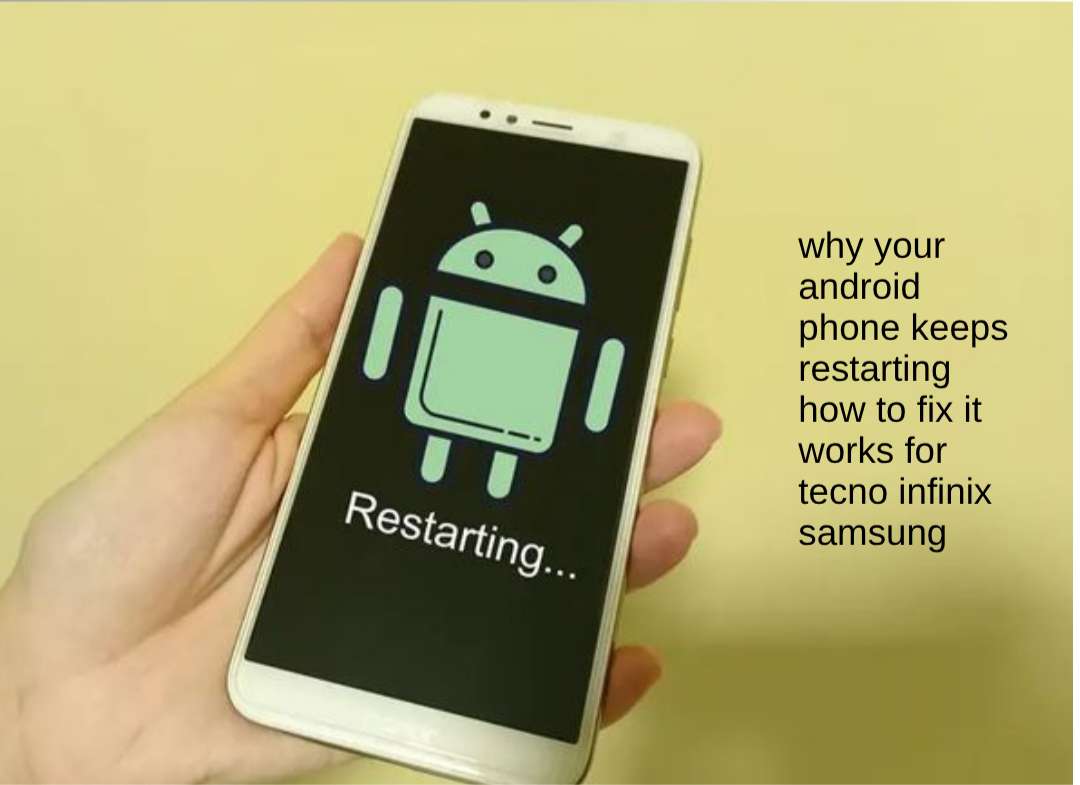
It can be frustrating when your Android phone suddenly keeps restarting by itself while you are using it. Sometimes the phone may reboot randomly during calls, while charging, while playing games, or even when it is not being used at all. This issue is very common on Android devices like Tecno, Infinix, Samsung, Redmi, and other smartphones, and it is usually caused by software problems, overheating, faulty apps, or battery-related issues. In this guide, you will learn the real reasons why Android phones keep restarting in 2026 and the simple but effective fixes you can try to stop the problem completely.
Also read: why is my phone charging but the battery percentage is not increasing real fix 2026
Why Your Android Phone Keeps Restarting
There are several reasons why your Android phone may continue restarting repeatedly, Below are the main reasons this happens in real life:
1. Software or System Glitches
One of the biggest reasons is temporary software bugs inside the phone. Sometimes the operating system may fail to work properly after updates, app crashes, or system errors, causing the phone to restart automatically.
2. Faulty or Problematic Applications
Some apps are not fully compatible with certain Android versions. A badly optimized app can crash the system repeatedly and force the phone to reboot randomly during usage.
3. Overheating During Usage
When a phone becomes too hot, it may automatically restart itself to protect internal components from damage. Heavy gaming, long video streaming, or using the phone while charging can increase heat quickly.
4. Low Internal Storage Space
If your phone storage is almost full, Android may struggle to run important background processes smoothly. This can lead to lagging, freezing, and random restarting problems.
5. Weak or Aging Battery
A damaged or old battery may fail to supply stable power properly. Even if the phone still turns on normally, unstable battery performance can cause unexpected restarts frequently.
6. Power Button Problems
Sometimes the power button may become stuck due to dust, pressure, or physical damage. This can make the phone think the button is being pressed continuously, causing repeated reboots.
7. Corrupted Software Update
A failed or incomplete software update can affect important system files. This may result in restarting problems, boot loops, or unstable phone performance after updating.
Also read: How to Make Your Android Phone Battery Last Longer Without a Power Bank
How to Fix an Android Phone That Keeps Restarting
Below are the most effective fixes you can try to solve the issue and stop your Android phone from restarting again:
1. Restart the Phone Properly
A normal manual restart can sometimes fix temporary system glitches affecting your device. Hold the power button, restart the phone properly, and monitor if the issue continues afterward.
2. Remove Recently Installed Apps
If the problem started after installing a new app, uninstall it immediately. Some third-party apps can conflict with the Android system and trigger random restarting issues.
3. Free Up Storage Space
Delete unnecessary files, old videos, duplicate photos, and unused apps to create more storage space. Phones with very low storage often experience system instability and performance problems.
4. Update Your Phone Software
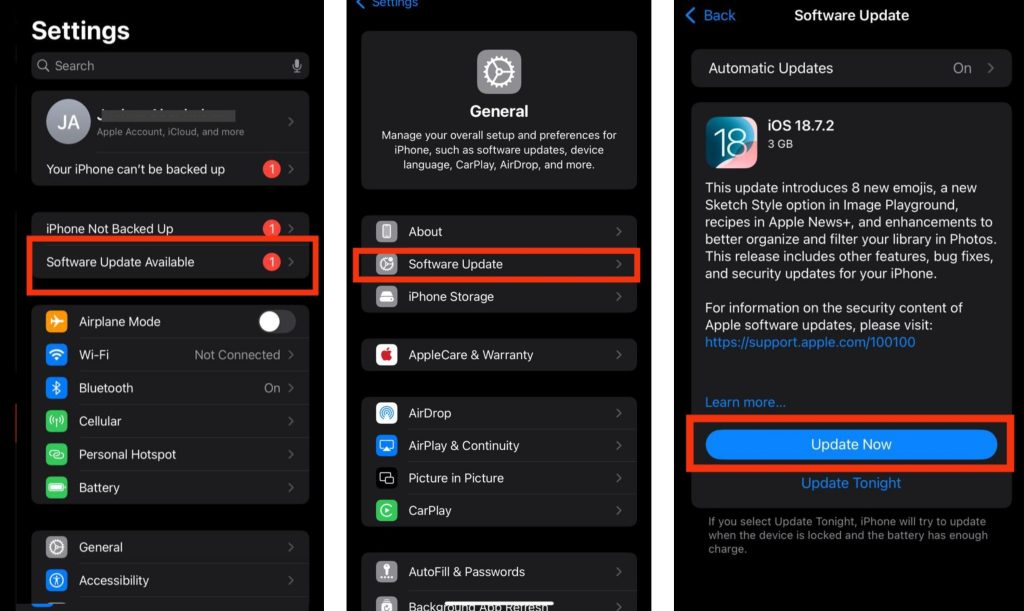
Outdated software can contain bugs that lead to restarting issues. Go to Settings > Software Update > Check for updates, then install any available update on your phone. After updating, restart the device normally.
5. Stop Using the Phone While Charging
Using the phone heavily while charging can increase heat levels quickly. This may force the system to restart automatically for protection. For better results, allow the phone to charge without heavy usage.
6. Let the Phone Cool Down
Overheating is one of the most common causes of random restarting. If the phone feels very warm, remove the case, stop charging temporarily, and allow it to cool down naturally before using it again.
7. Check the Power Button Carefully
Inspect the power button to ensure it is not stuck or damaged. Press it gently several times because dirt or pressure around the button can sometimes trigger automatic reboots.
8. Scan the Phone for Malware
Harmful apps or malware can affect Android system stability badly. Install a trusted antivirus application and scan your phone for suspicious apps or files.
9. Consider Battery Replacement
If your battery is old or weak, replacing it may be the best solution. Phone batteries naturally lose strength over time, especially after years of regular charging and usage.
Conclusion
If your Android phone keeps restarting by itself, the problem is often caused by software bugs, overheating, low storage, problematic apps, or battery issues. The good news is that most of these problems can be fixed by updating the software, removing faulty apps, cooling the phone, or replacing weak charging components. If the issue still continues after trying all the fixes, professional repair may be necessary to check for hardware damage.
Frequently Asked Questions (FAQ)
1. Why does my Android phone restart randomly even when I am not using it?
This usually happens because of software glitches, faulty apps running in the background, overheating, or battery-related problems affecting system stability.
2. Can overheating really cause restarting problems?
Yes, when a phone becomes too hot, the system may restart automatically to protect internal hardware from serious damage.
3. Why did my phone start restarting after a software update?
Sometimes updates may install incorrectly or contain temporary bugs that affect system files, causing random restarts or boot loop issues.
4. Can a weak battery make my phone restart continuously?
Yes, a weak or damaged battery may fail to provide stable power consistently, leading to random restarting problems on Android phones.
5. Is factory reset necessary for restarting issues?
Not always. Many restarting problems can be fixed without resetting the phone. However, if the issue continues after trying other solutions, a factory reset may help solve deeper software problems.